
BOEING TECHNICAL WORKSHOP
BUILDING FOR WEB
From Art to WebGPU
Agenda
- 9:00 AM – 12:00 PM MORNING SESSION
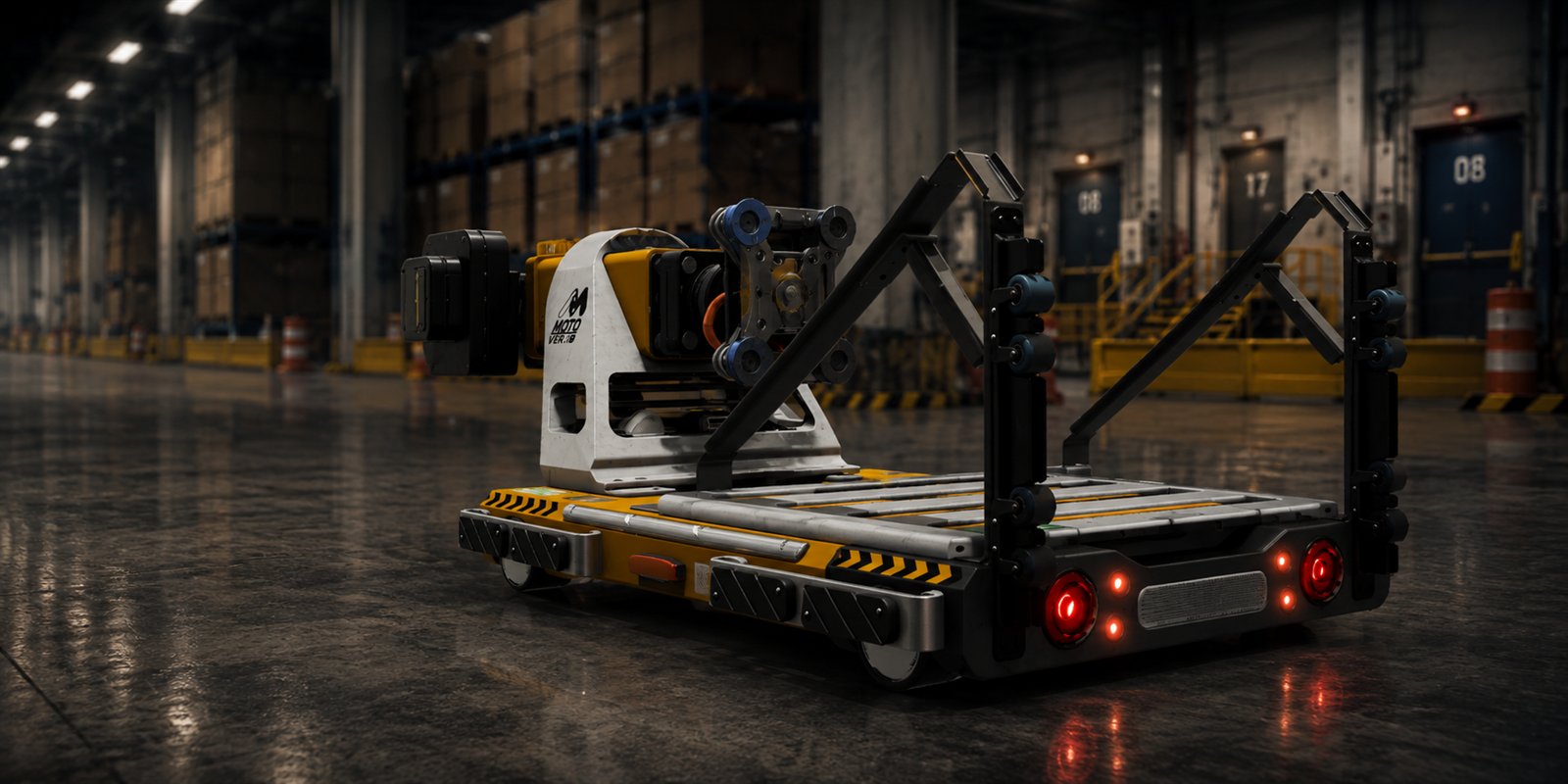
- 01 WebGPU Project Overview Introduce the Distribution Center project, explain the goals of the session, and show how the experience runs directly in a web browser.
- 02 Distribution Center Case Study Review the project requirements, visual targets, technical limitations, and the decisions made to prepare it for browser deployment.
- 03 Maya Scene Preparation Organize the Maya scene, clean the hierarchy, apply naming conventions, check scale and pivots, and remove unnecessary objects.
- 04 Geometry Optimization Reduce excessive polygon counts, remove hidden geometry, combine appropriate meshes, and prepare repeated assets for efficient rendering.
- 05 UV and Texture Preparation Create efficient UV layouts, reduce wasted texture space, choose suitable texture resolutions, and prepare assets for optimized material workflows.
- 06 FBX Export Workflow Review clean FBX export settings, coordinate systems, transforms, mesh data, naming, and methods for avoiding common import issues.
- 10:30 AM – 10:45 AM COFFEE BREAK
- 07 Unity URP Project Setup Configure the Unity project for URP and WebGPU, organize the project folders, and establish the main rendering and quality settings.
- 08 Asset Import and Organization Import the FBX files and textures, configure mesh and texture settings, create reusable prefabs, and maintain a clean project structure.
- 09 Materials and Shader Graph Build lightweight Shader Graph materials, expose useful controls, reuse materials across multiple assets, and avoid unnecessary shader complexity.
- 10 Texture and Memory Optimization Apply texture compression, reduce maximum texture sizes, pack multiple maps into channels, and control browser download and runtime memory usage.
- 11 GPU Instancing and Draw Calls Explain how repeated warehouse assets share meshes and materials, how GPU instancing reduces rendering overhead, and what can break instancing.
- 12 Lighting Create an efficient lighting setup using baked lighting, environment lighting, reflection probes, and limited real-time lighting where required.
- 13 Performance Profiling Test the actual WebGPU build, review CPU and memory performance, inspect browser behaviour, identify bottlenecks, and compare Editor performance with the deployed build.
- 12:00 PM – 1:00 PM LUNCH BREAK
- 14 Unity 7 Roadmap Presentation 1:00 PM – 2:00 PM
- 15 Unity Seamless WorkflowBONUSAsset Toolkit · SolidWorks 2:00 PM – 2:45 PM Demonstrate a seamless CAD-to-Unity workflow using SolidWorks and the Unity Asset Transformer Toolkit. Show how CAD data can be imported, transformed, optimized, organized, and prepared inside Unity before being deployed as an interactive real-time experience.
- 16 MQ-25 Character Animation Workflow 2:45 PM – 3:30 PM
- 17 Questions & Discussion 3:30 PM – 4:00 PM
Speakers
GH
GARY HAUS
Sr. Solutions Architect
UNITY TECHNOLOGIES
SA
SHERAZ ASGHAR
Sr. Solutions Engineer
UNITY TECHNOLOGIES
EVENT OVERVIEW
This full-day workshop walks through the complete process of building and optimizing a real-time visualization for the web using Unity, URP, and WebGPU.
Hands-on workflows and real-world production techniques
Performance-first approach for scalable web experiences
Resources, tools, and best practices from the field
Unity 7 roadmap and where the engine is heading
WHAT TO BRING
Laptop with Unity Hub and Editor installed. Basic knowledge of Unity recommended.
RESOURCES
Everything from the session, in one place.
- Workshop slides PDF — published after the session
- Unity sample project URP + WebGPU starter scene
- WebGPU optimization checklist The profiling passes from item 13
TECH STACK
- RENDERER WebGPU
- GRAPHICS API WebGPU 1.0
- ENGINE Unity 6000.3 · URP
- TARGET PLATFORM Web
CREATE
Build optimized real-time assets
OPTIMIZE
Maximize performance for the web
DEPLOY
Deliver immersive experiences anywhere